
Find your tour and start enrolling
Open the link or Tour ID from your group leader at passports.com/enroll, and read the tour preview first.
Each tour has its own page on passports.com, found by its Tour ID: the short code from your group leader, like JSMITH2027. The page is a preview of the whole trip, and you enroll from there.
Before you start
- The link or Tour ID from your group leader: on the tour poster, the flyer, or the email they sent.
- Step 1
Open your tour
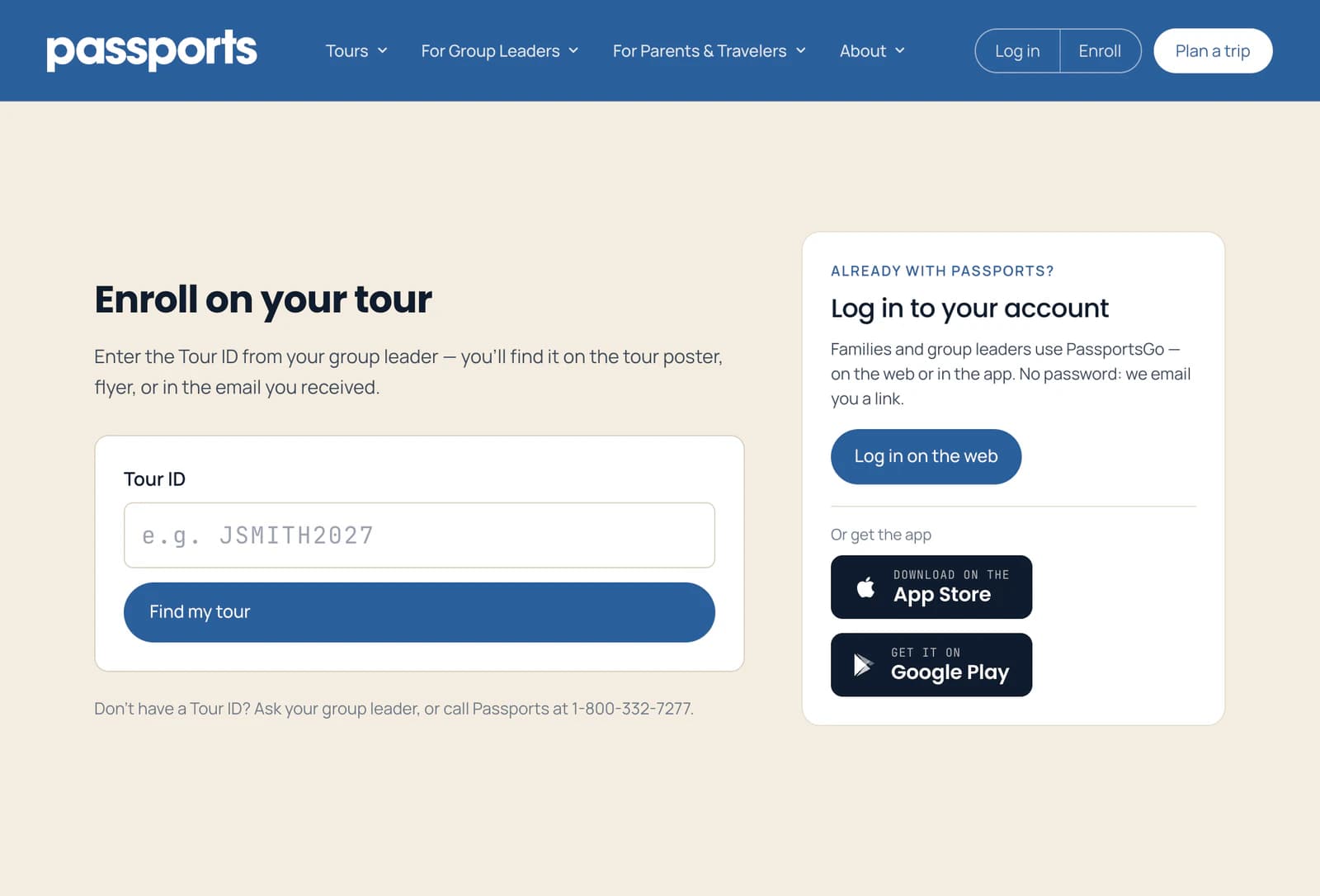
The quickest way is the link or QR code your group leader shared. Or go to passports.com/enroll, type the Tour ID 1 and click Find my tour 2.
- Step 2
Read the tour page
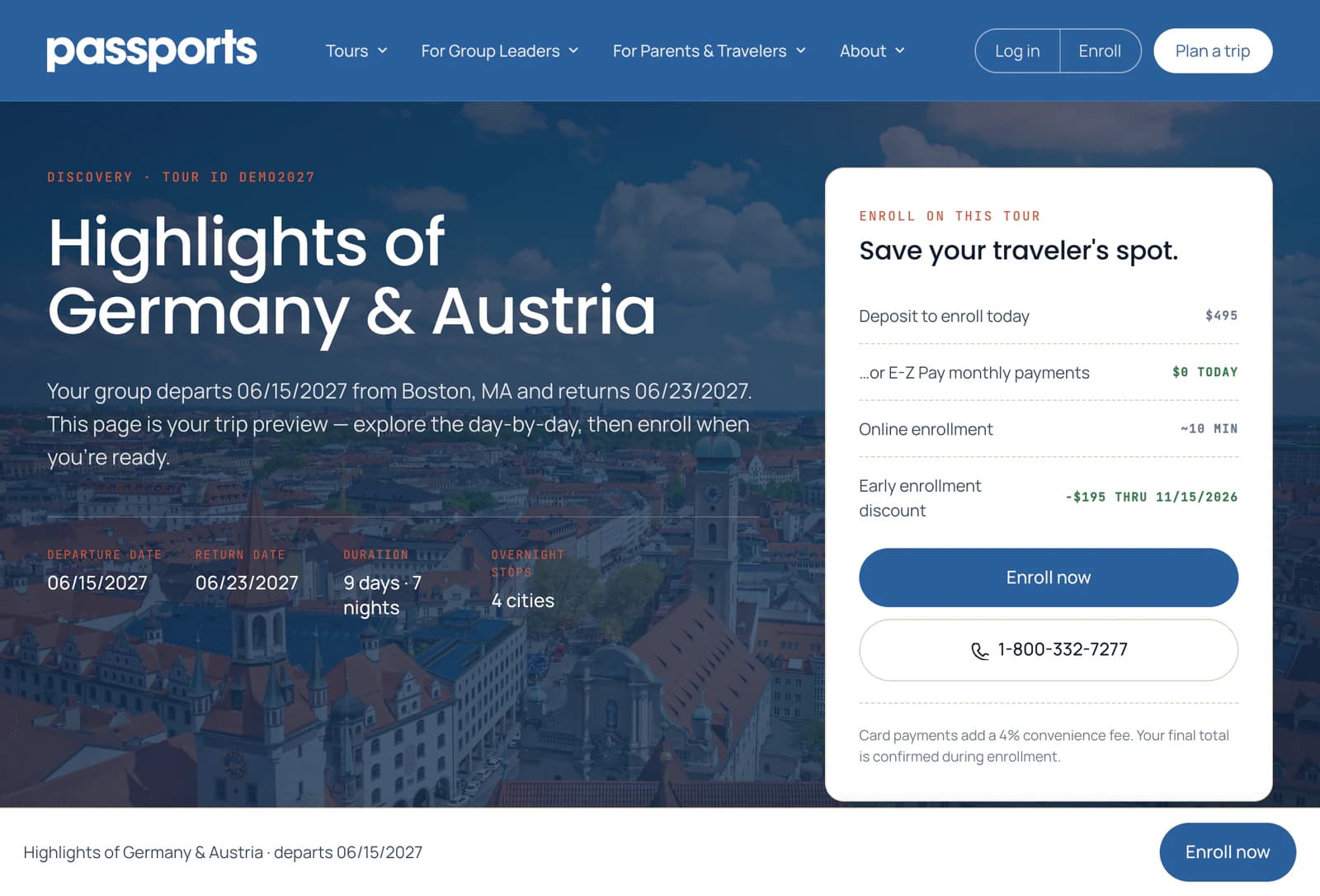
The top of the page has the travel dates 1. The card beside them 2 shows what enrolling takes today: the deposit, or $0 with E-Z Pay's monthly payments 3.
- Step 3
Look through the trip
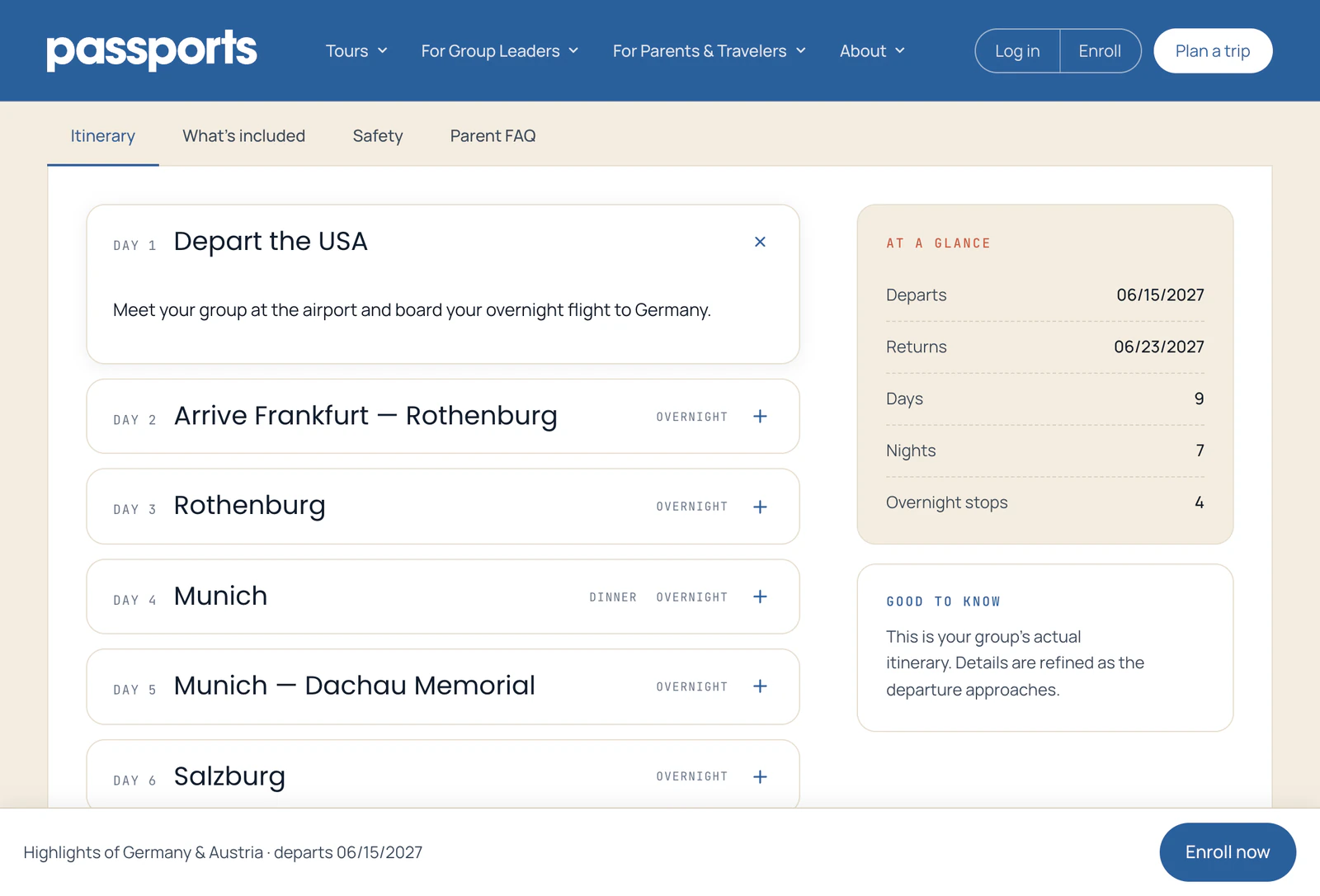
Below, the tabs 1 hold the day-by-day Itinerary, What's included, Safety and the Parent FAQ. Click a day to open it.
- Step 4
Check the cost and the dates
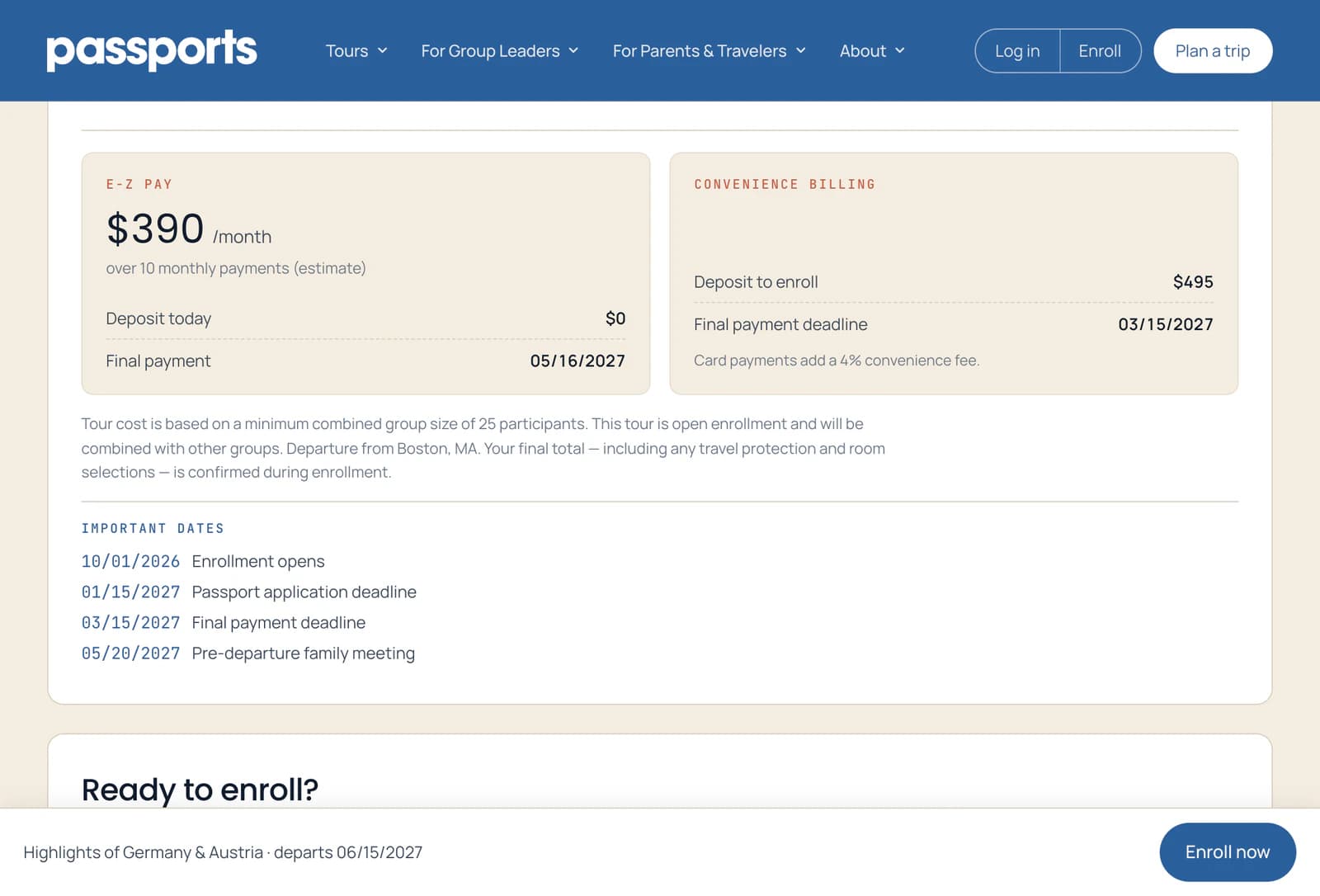
Cost & payments has the price per traveler, then the two ways to pay: E-Z Pay's monthly payments 1 or Convenience Billing, a deposit now and the rest by the final payment deadline 2. Important dates lists the deadlines.
Card payments add a 4% fee. Paying from a bank account doesn't.
- Step 5
Start enrolling
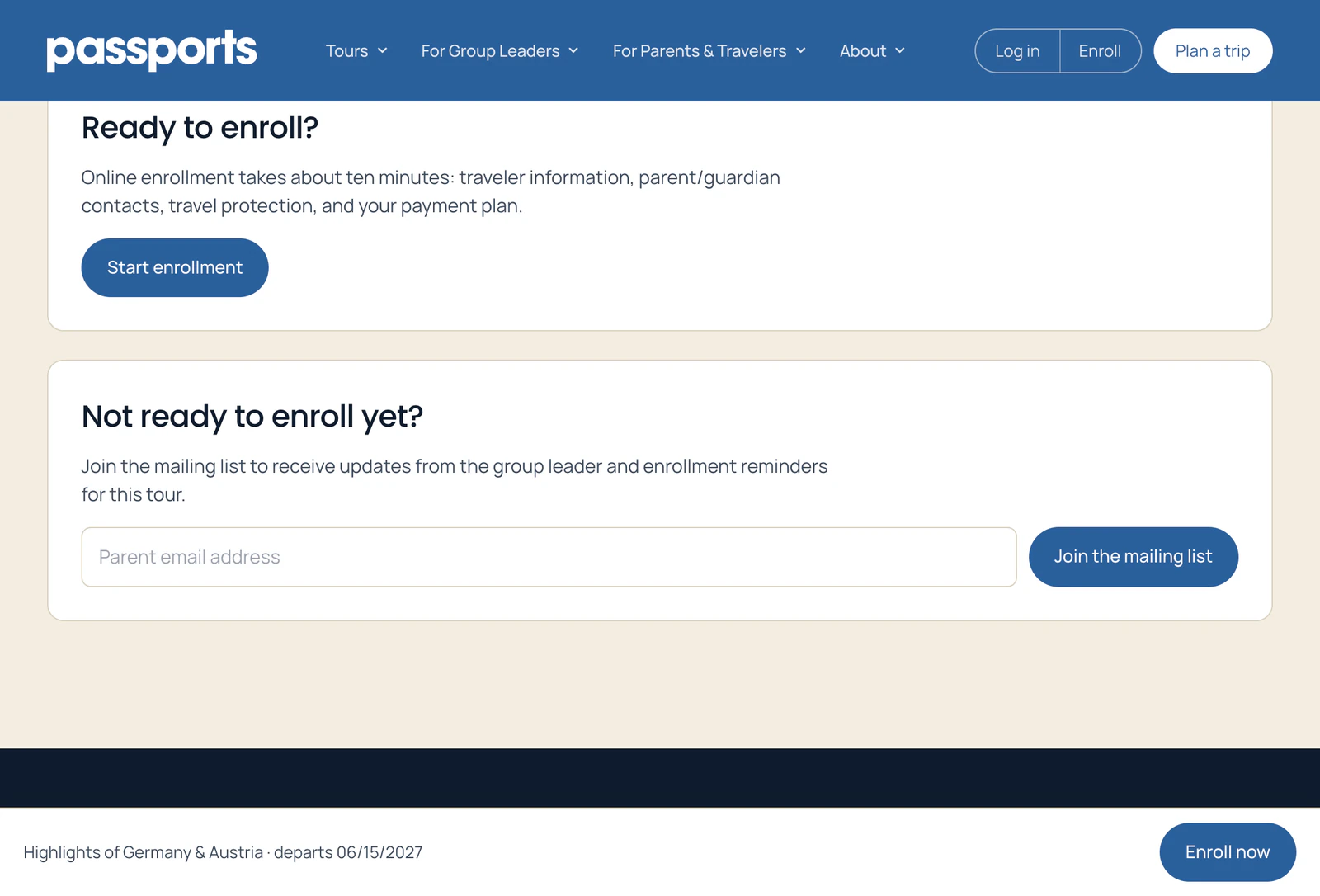
Ready? Click Start enrollment 1, or Enroll now at the top of the page. It takes about ten minutes.
Not ready yet? Join the mailing list 2 for updates from your group leader and enrollment reminders for this tour.
Good to know
It says it couldn't find my tour.
Check the Tour ID with your group leader: it's letters and numbers, with no spaces. If it still doesn't work, call Passports at 1-800-332-7277 and we'll look it up.
The page says enrollment is closed.
Online enrollment has ended for that tour. Call Passports at 1-800-332-7277.
The button says Join the waitlist.
Enrollment on that tour is waitlist-only for now. You can still apply: see Waitlists and declined cards.
The page says the final payment deadline has passed.
Then enrollment is waitlist only and the full tour price is due, not a deposit: Cost & payments shows Pay in full instead of Convenience Billing. If a spot doesn't open, you pay nothing: depending on the tour, nothing is charged while you wait, or you get a 100% refund. The page says which.
Can I stop halfway and finish later?
Yes, on the same device: the form remembers what you typed for 7 days. Bank details and the agreements aren't saved, so you enter those again.
Screens show a sample family and tour — your names, dates and amounts will differ. Checked against the app October 19, 2026.
Call us. A real person in Worcester picks up.
Monday to Friday, 8am to 4pm Eastern — and around the clock once your group is on tour. Or email passportsgo@passports.com.