01
Head Count
A Raise Hand prompt to every traveler. See who has responded and who hasn't, with a map of where each check-in came from.

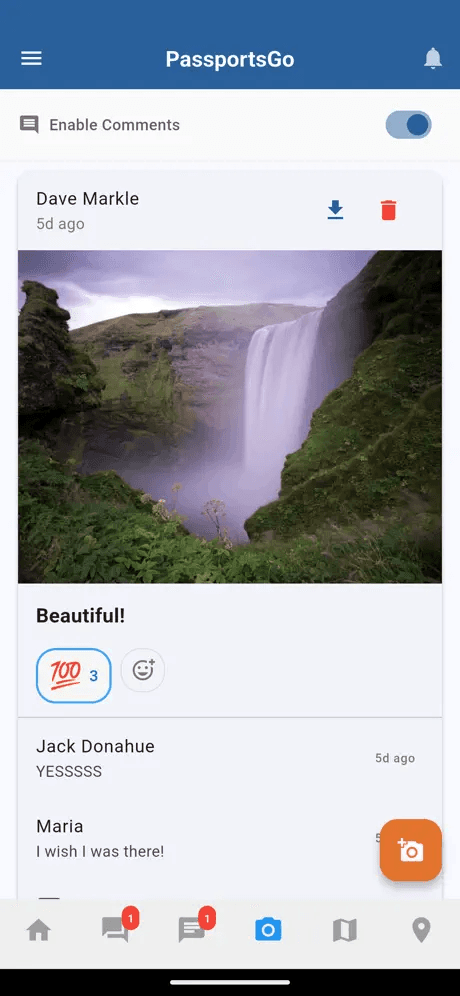
Chat with everyone. Share photos. See today's plan. Check the meeting point. Open the emergency line. One app, one tap, one group. Free with every Passports tour.

PassportsGo follows along. Watch one day of a school tour in Rome, breakfast to lights-out, on the real app — or tap a moment to jump straight to it.
Real app screens, sample tour · narration generated with AI
The same PassportsGo — built so a group leader, a traveler, and a parent each land on a home screen that actually fits the job they came to do.
Every announcement, every check-in, every photo — through you. PassportsGo gives group leaders the control surface teachers have been asking for.
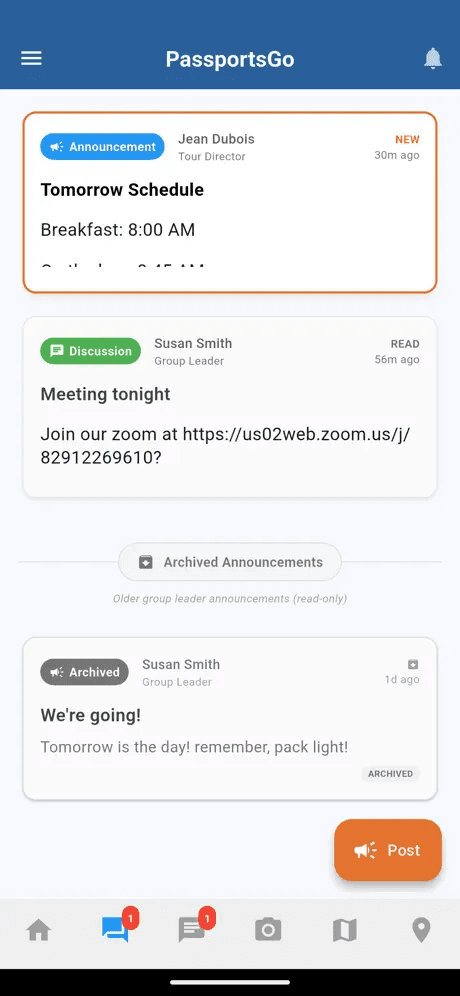
Each one follows a single moment on tour — like a change of plans at 6 AM — and shows how PassportsGo handles it, on the real app, in under a minute. Captions are built in, so they work with the sound off.
Real app screens, sample tour · narration generated with AI
From “is everyone here?” to “someone's lost in a city of two million” — the safety suite is built into every Passports tour, and you can see exactly what it covers before you ever leave.
A Raise Hand prompt to every traveler. See who has responded and who hasn't, with a map of where each check-in came from.
Group leaders and chaperones see each traveler's latest location on one map, colored by how recent it is. Sharing runs only during the tour dates and stops automatically when the trip ends.
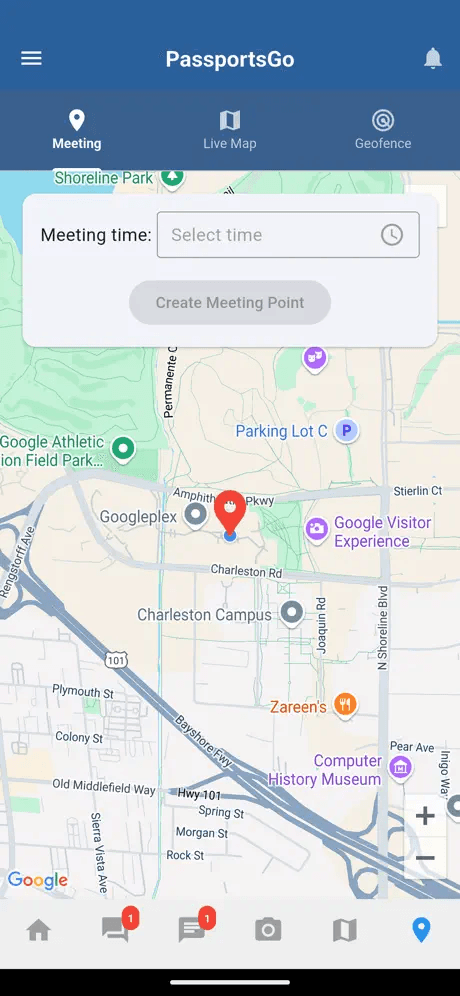
Drop a pin, set a time. Push reminders, a walking-route map, and live visibility of who's already there.
Define a boundary. Quiet alerts if a traveler drifts outside it. No noise unless something's actually off.
Auto-localized police, medical, and embassy numbers — one tap from the home screen, in 24 countries.
24/7 humans at our office, reachable in-app or by phone. Your tour's full context — itinerary, roster, Tour Director's location — is already loaded when they pick up.
Short walkthroughs made from the real app: the same screens your group will see, narrated start to finish. Pick one, then tap a chapter to jump to that part.
Start a head count, watch travelers check in on the map, see who's missing, and finish when everyone's in.
Real app screens, sample tour · narration generated with AI
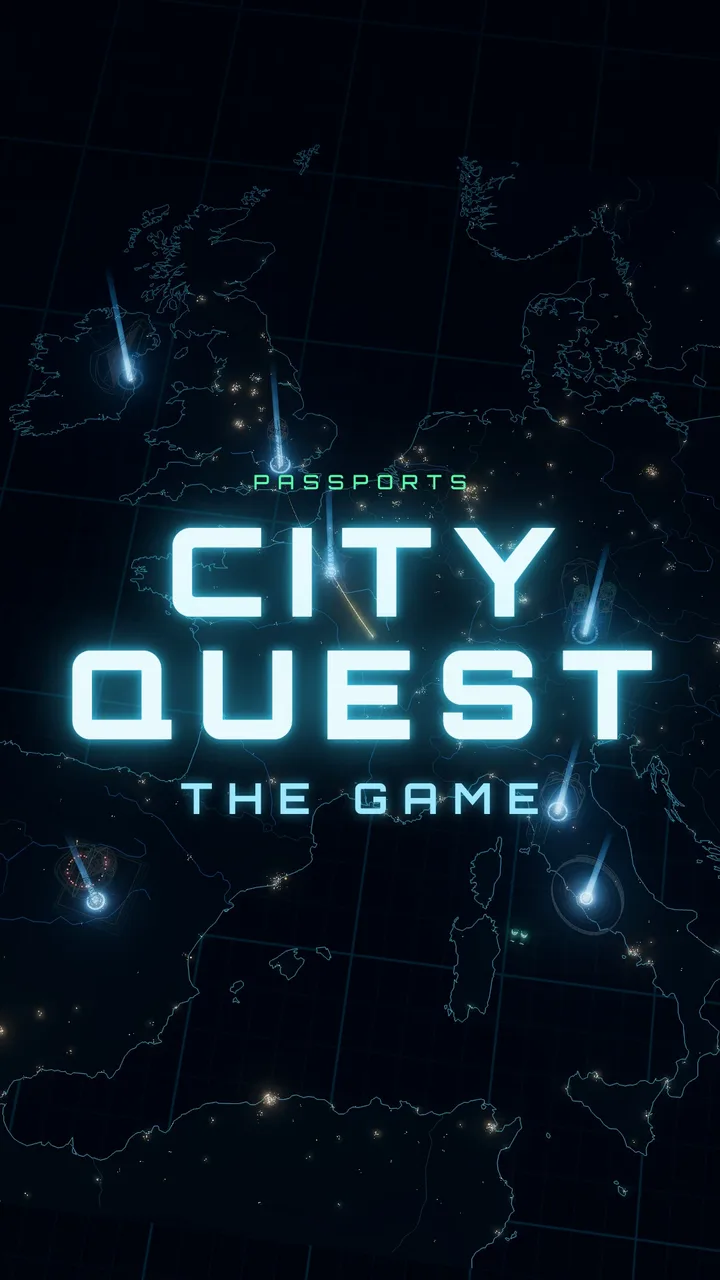
On tour, a City Quest turns a city into a race: teams walk from stop to stop, answer questions you can only solve by looking around, and snap team photos for points. City Quest: The Game puts 10 of them, in 7 European cities, into a free 3D game you play in your browser, with a local guide in every city.
Loud when it matters — meeting points, head counts, emergency contacts. Quiet everywhere else.
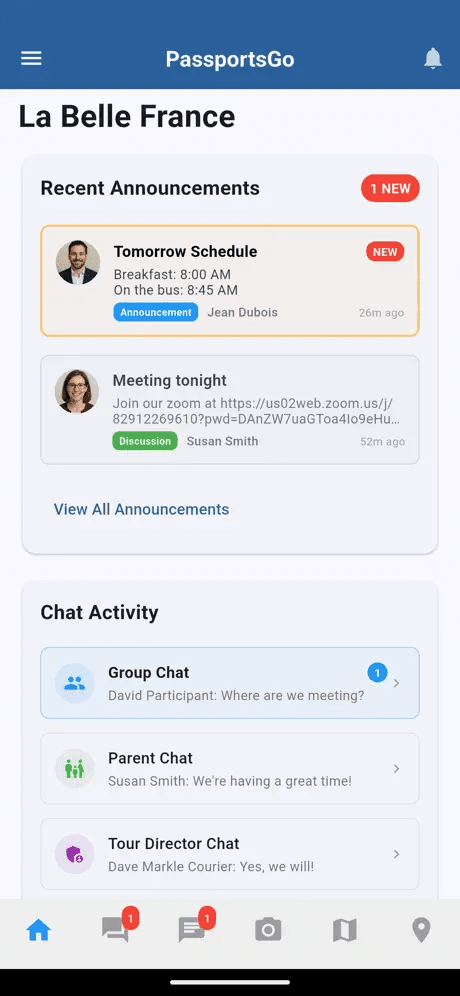
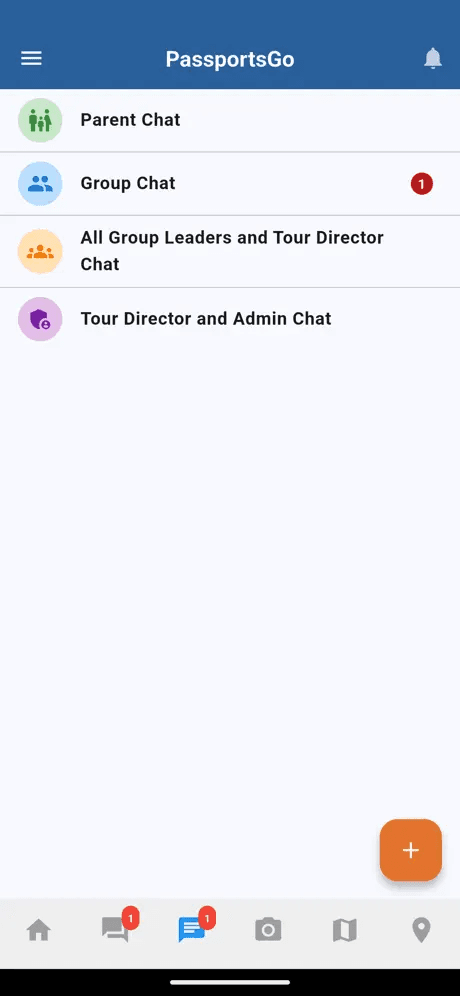
If your group is traveling with Passports, sign in at passportsgo.com or download the app. If you're still building the trip, a Tour Advisor drafts a day-by-day itinerary within 48 hours.