
Check and confirm the room type
See your traveler's room type (and roommates, when the group leader shows them), confirm it, or ask for a change.
See the room type booked for your traveler, then confirm it or ask for a change. The group leader decides who rooms with whom, and whether families see roommates in the app; Passports handles the room types.
Before you start
- PassportsGo, signed in as the traveler or a parent or guardian.
- Step 1
Open Room Type
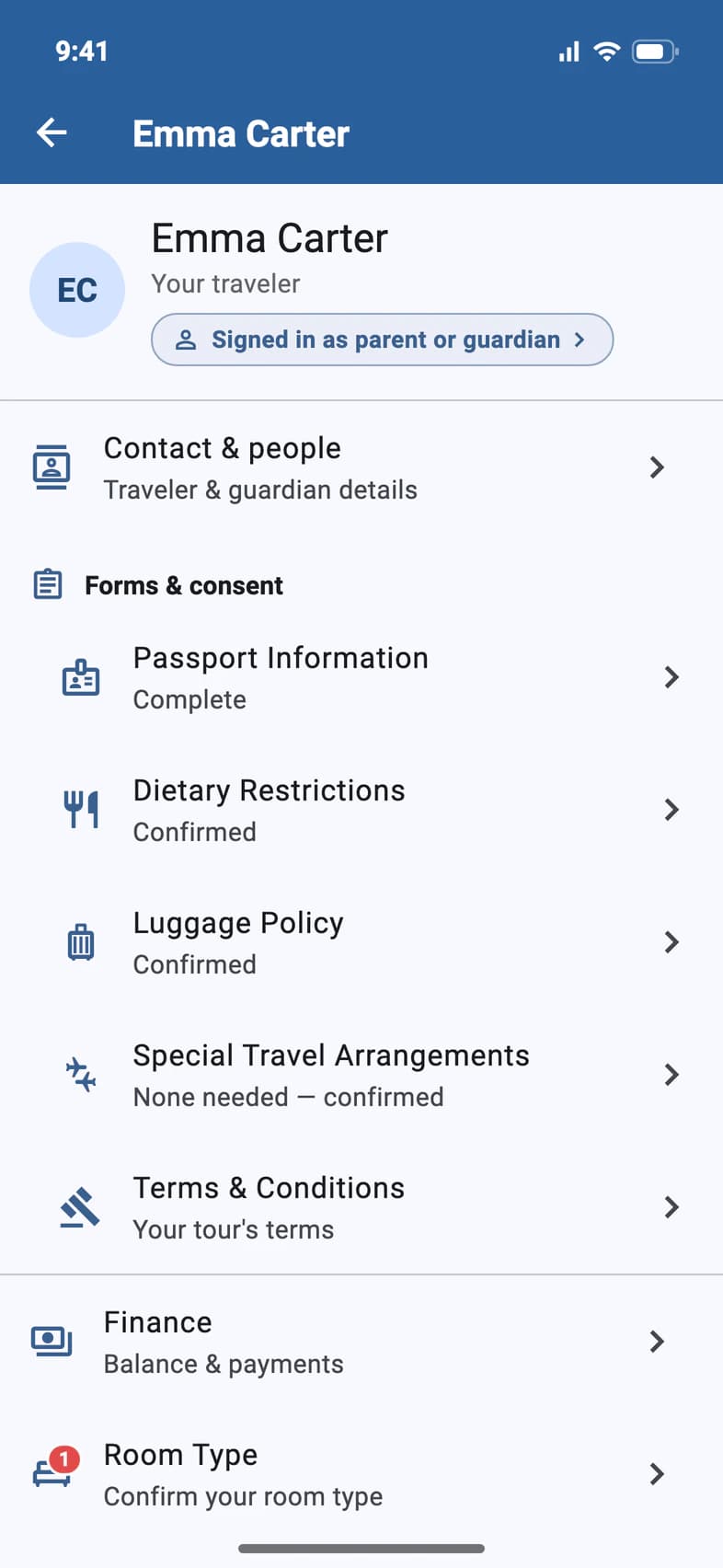
On your traveler's page (My Account on Home), tap Room Type 1. Confirm your room type and a red number mean Passports needs your OK.
- Step 2
See your room type
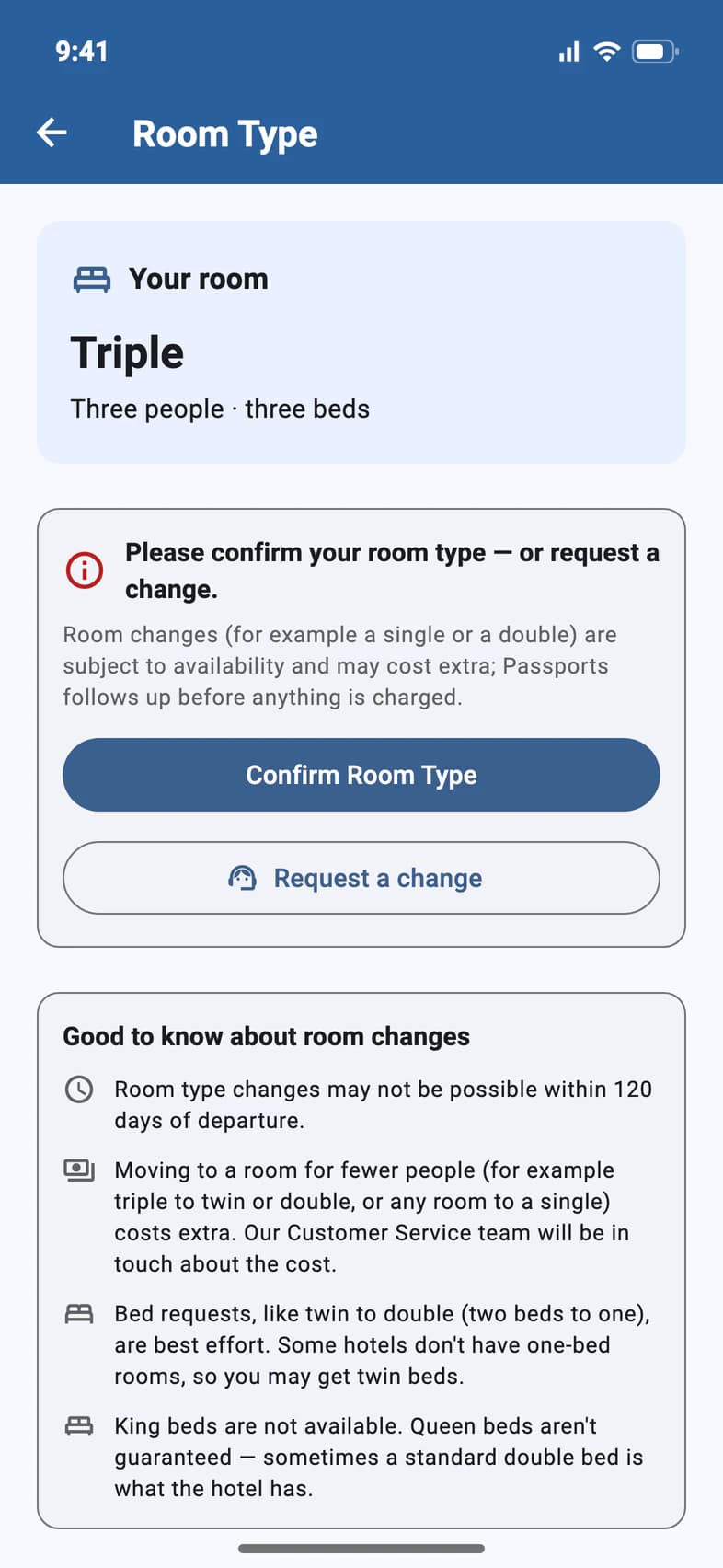
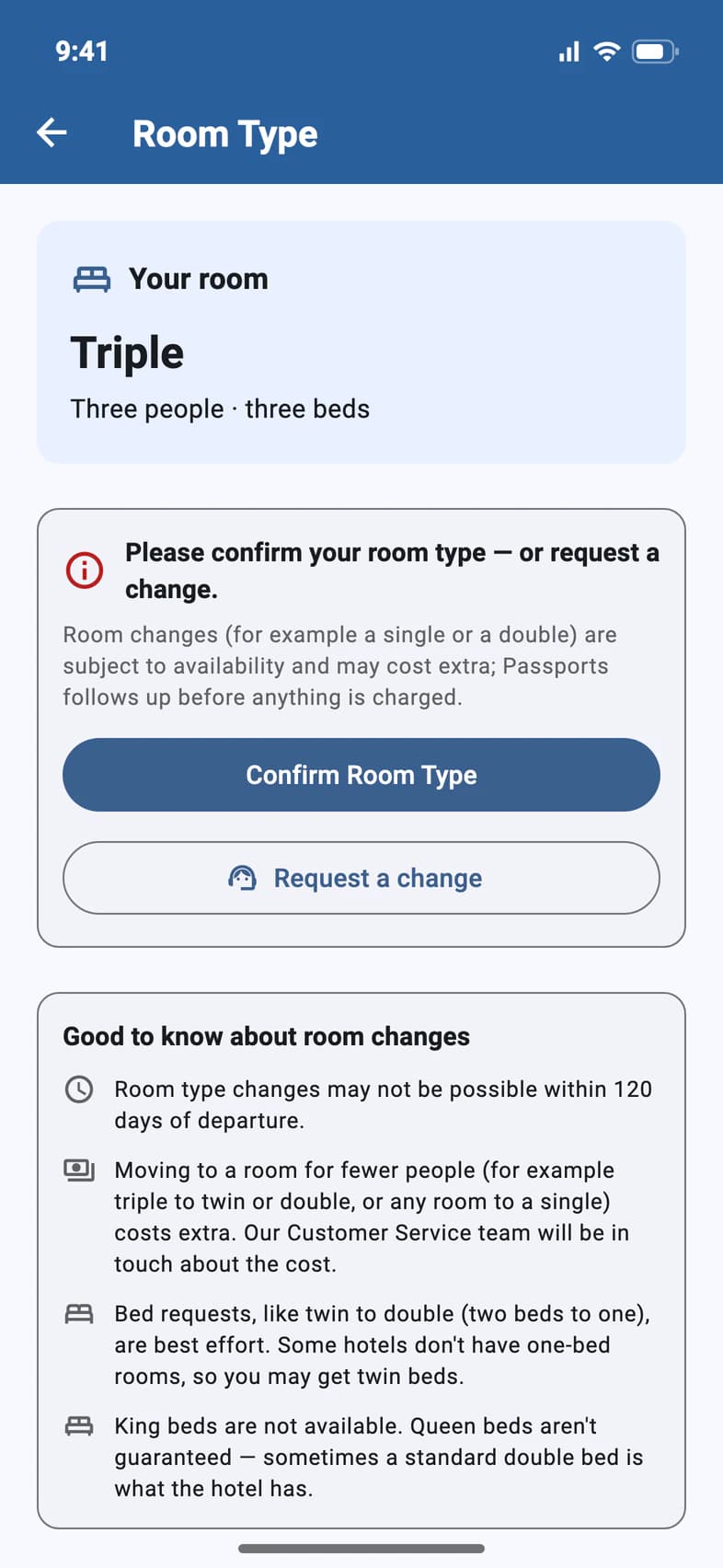
Your room 1 is the room type booked for your traveler, here a triple: three people, three beds.
Roommates appear here only if your group leader chooses to show them in the app: then Your rooms on tour lists each hotel with its dates and roommates, once the rooming list is submitted.
- Step 3
Confirm, or ask for a change
If it's right, tap Confirm Room Type 1.
For a different room type, like a single or a double, tap Request a change 2. Room changes depend on availability, and a room for fewer people (a triple to a twin or a double, say, or any room to a single) costs extra. Passports' Customer Service team gets in touch about the cost before anything is charged.
Good to know about room changes, under the buttons, sums up the rules. Ask early: room type changes may not be possible within 120 days of departure.
Want a particular roommate? Ask your group leader: they arrange the rooms.
- Step 4
Send your request
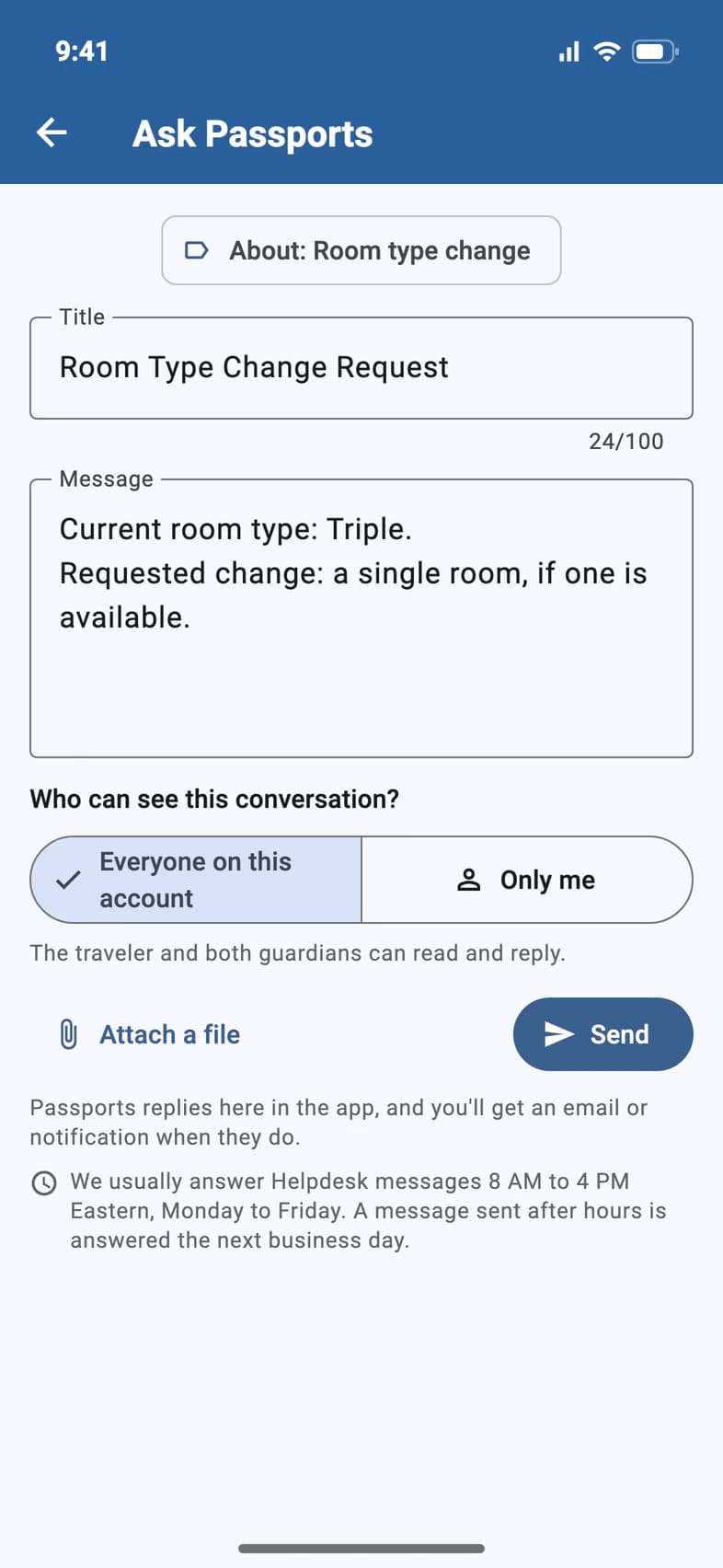
Request a change opens a message to Passports 1, already filled in with the current room type. Finish the sentence in Message 2 and tap Send 3.
Passports replies in the app, and Confirm Room Type waits until your request is settled. The note under Send says when: Passports usually answers 8 AM to 4 PM Eastern, Monday to Friday, and a request sent after hours is answered the next business day.
Follow the conversation in the Helpdesk: see Ask Passports a question.
Good to know
Can I pick my traveler's roommate?
Ask your group leader. They decide who rooms with whom.
Does a room change cost extra?
Moving to a room for fewer people does: a triple to a twin or a double, for example, or any room to a single. Nothing is charged in the app: Passports' Customer Service team gets in touch with you about the cost first.
Is there a deadline for a room change?
Room type changes may not be possible within 120 days of departure, so ask as soon as you know.
Can we ask for one bed instead of two, or a king bed?
You can ask for a double (one bed) instead of a twin (two beds), but bed requests are best effort: some hotels don't have one-bed rooms, so you may get twin beds. King beds aren't available, and queen beds aren't guaranteed: sometimes a standard double bed is what the hotel has.
Who can confirm the room type?
The traveler or a parent or guardian.
I don't see any roommates yet.
Roommates show only if your group leader chooses to show them in the app, and once they've submitted the rooming list. Your room type shows right away.
Screens show a sample family and tour — your names, dates and amounts will differ. Checked against the app October 23, 2026.
Call us. A real person in Worcester picks up.
Monday to Friday, 8am to 4pm Eastern — and around the clock once your group is on tour. Or email passportsgo@passports.com.