
Meeting points and head counts
Find the meeting spot on the map, and check in to a head count with one tap.
On tour, your group leader can set a meeting point and take head counts. Both come to your phone as notifications, so keep notifications on.
They're for the people on the tour: parents at home don't get meeting points or head counts.
The whole meeting point, from picking the time to closing it
Pick a time and put the pin on the spot, see who gets the notification and the 10-minute reminder, and close it when everyone's there.
Real app screens, sample tour · narration generated with AI
Before you start
- PassportsGo on your phone, signed in as yourself (the traveler or chaperone).
- Step 1
Find the meeting point
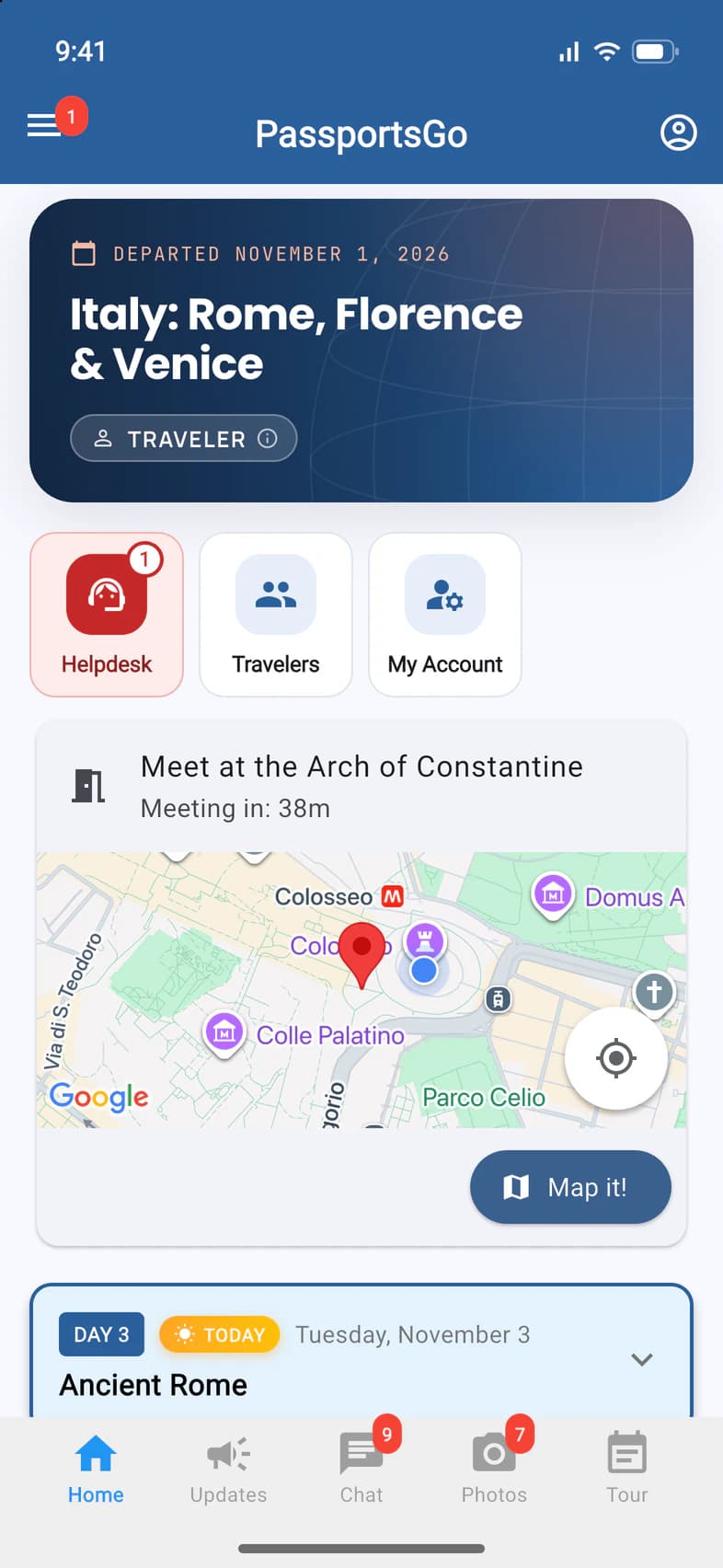
When your leader sets a meeting point, you get a notification, and it's on Home, right under the tiles 1, with a countdown 2. You get a reminder 10 minutes before the time.
- Step 2
Get directions
Tap Map it! 1 for directions in your maps app.
On an iPhone, the app asks which one to use: Apple Maps or Google Maps. Tick Remember my choice to skip the question next time; you can change it in Settings under Preferred Maps App.
- Step 3
Check in to a head count
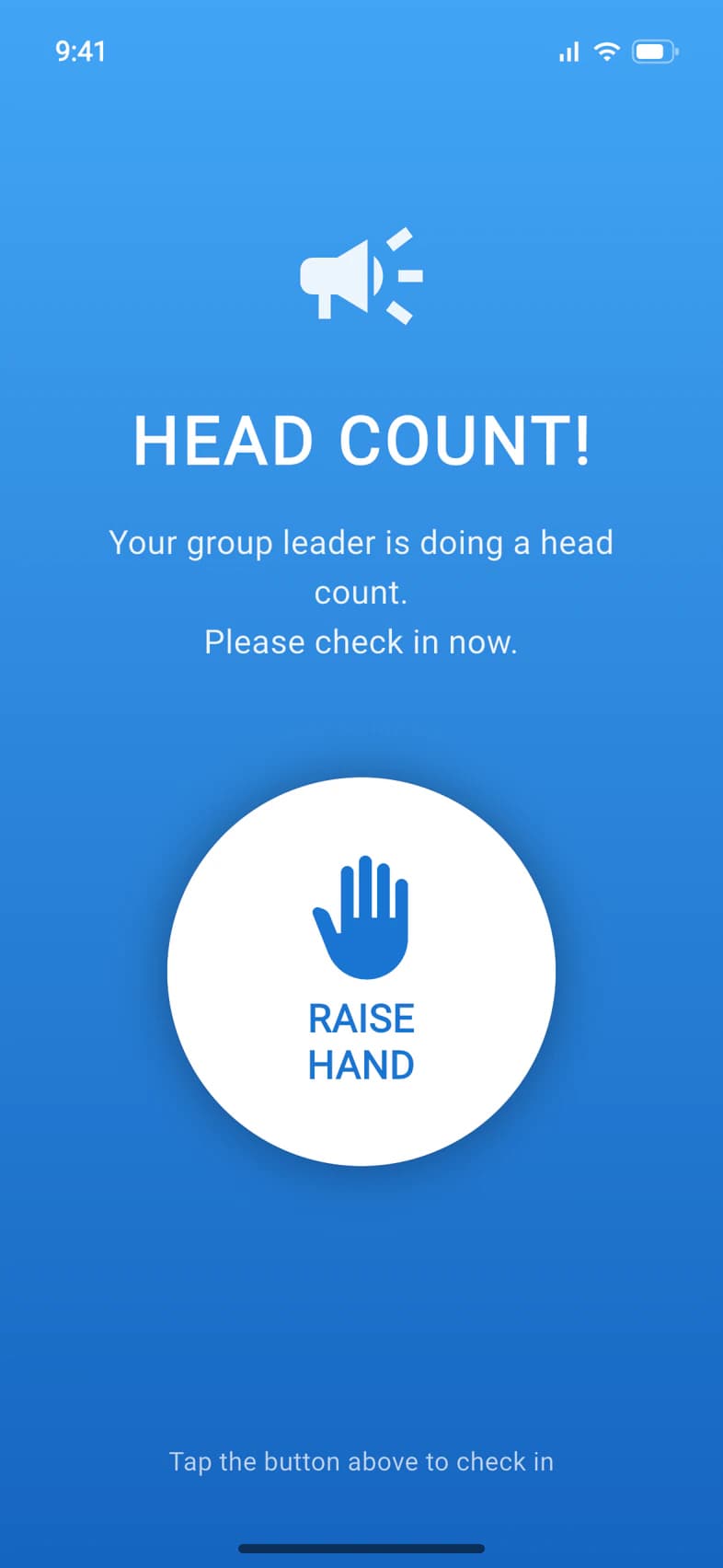
When your leader takes a head count, a HEAD COUNT! screen opens 1. If the app is closed, tap the notification, or just open the app. Tap RAISE HAND 2.
- Step 4
You're checked in
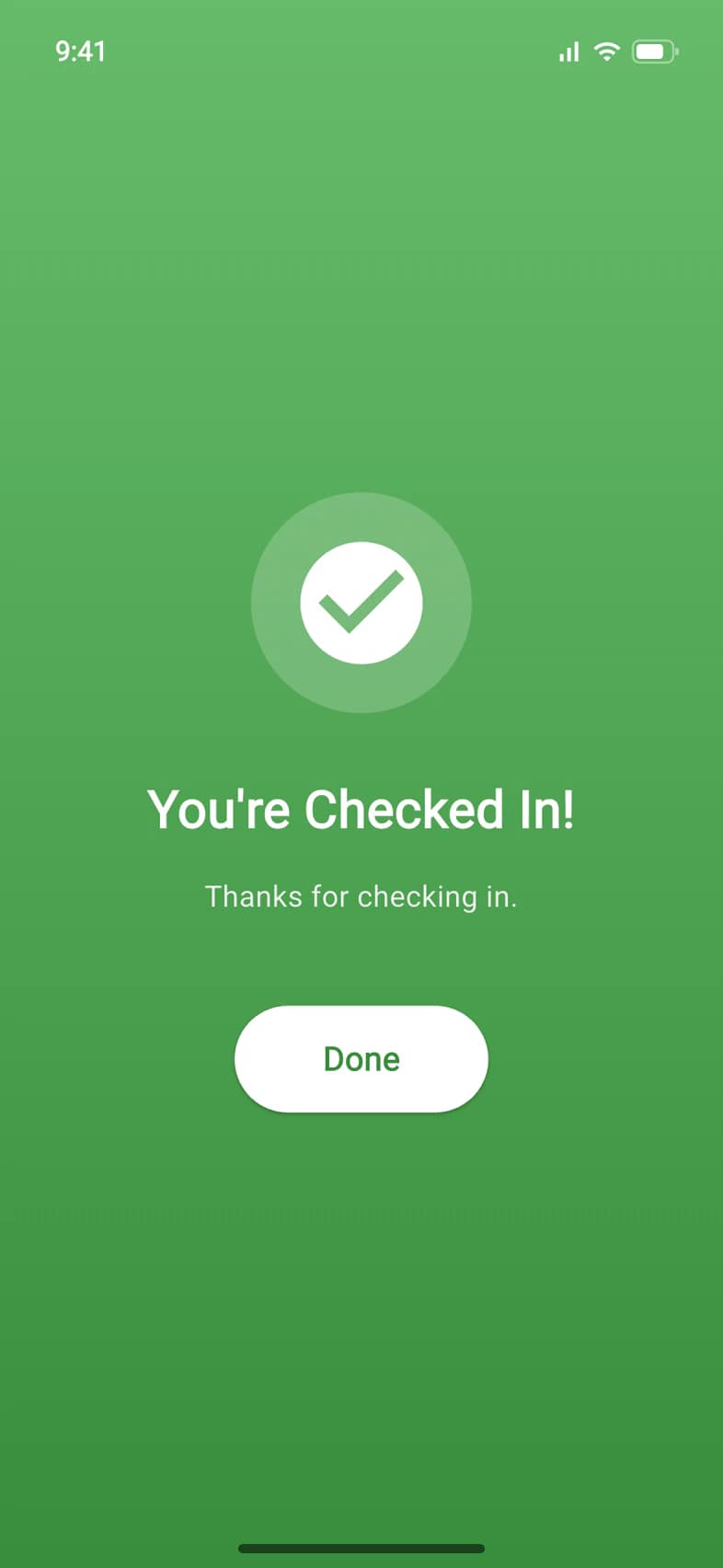
The screen turns green: You're Checked In! 1 Tap Done 2.
The people running the tour see that you checked in, when, and where your phone was at that moment.
Good to know
I'm a parent. Why don't I see meeting points?
Meeting points and head counts are for the people on the tour. Parents at home don't get them.
I missed the head count notification.
Open the app: the HEAD COUNT! screen shows up for as long as your leader keeps the head count open.
Do I need location on to check in?
No. You can check in without it, and you still count; your leader just won't see where you were.
How long does a meeting point stay on Home?
Until an hour after the meeting time, or until your leader closes it. Once the time has passed, the countdown shows how long ago it was, such as Meeting time: 5 min ago.
Screens show a sample family and tour — your names, dates and amounts will differ. Checked against the app November 3, 2026.
Call us. A real person in Worcester picks up.
Monday to Friday, 8am to 4pm Eastern — and around the clock once your group is on tour. Or email passportsgo@passports.com.