
Confirm luggage, UK ETA and EU ETIAS
Confirm you've read the luggage policy, and that your traveler has any authorization their tour needs.
Two quick confirmations before the trip: that you've read the luggage policy, and, if the tour visits the United Kingdom, that your traveler has their UK travel authorization (ETA).
Before you start
- PassportsGo, signed in as the traveler or a parent or guardian.
- Step 1
Open Luggage Policy
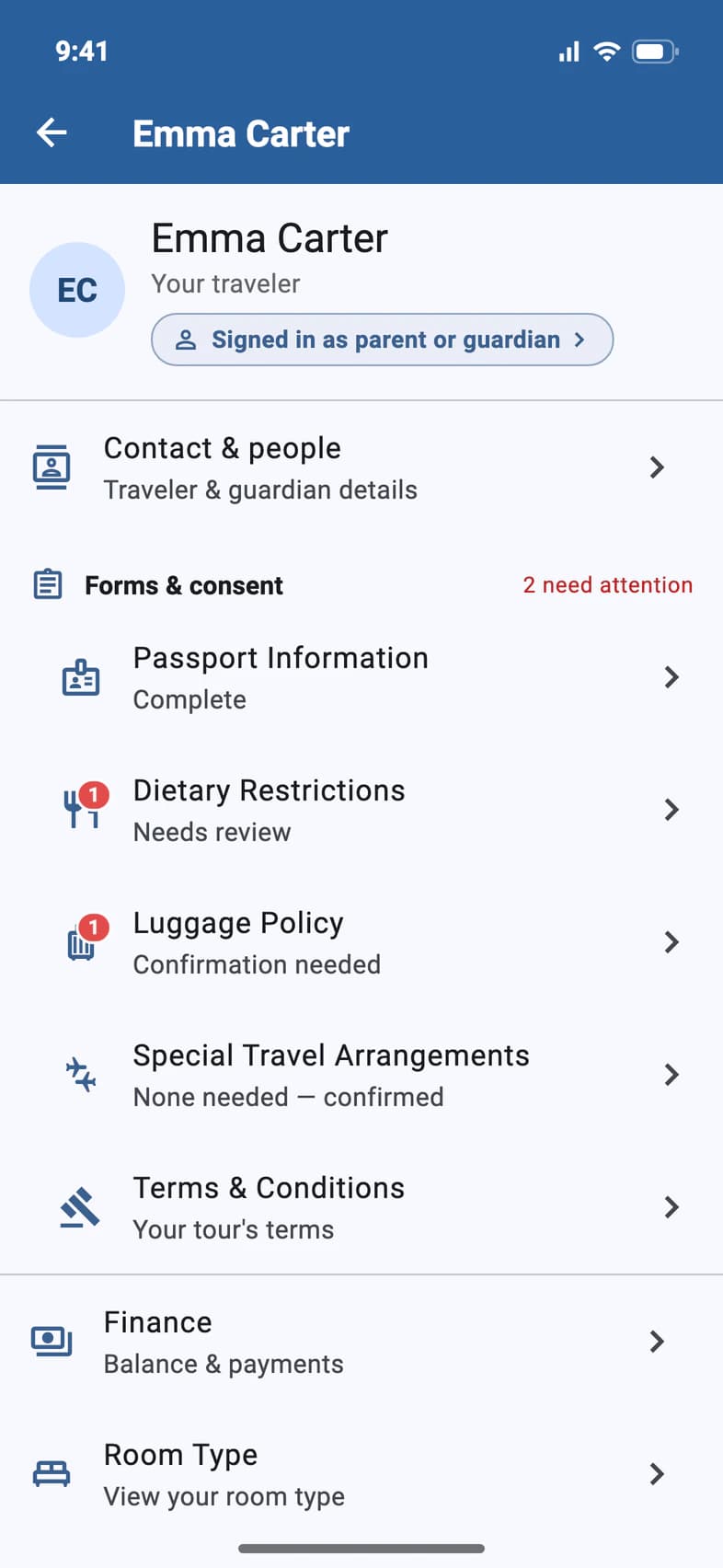
On your traveler's page (My Account on Home), under Forms & consent, tap Luggage Policy 1. Tours that need a UK ETA list UK ETA here too.
- Step 2
Read the policy
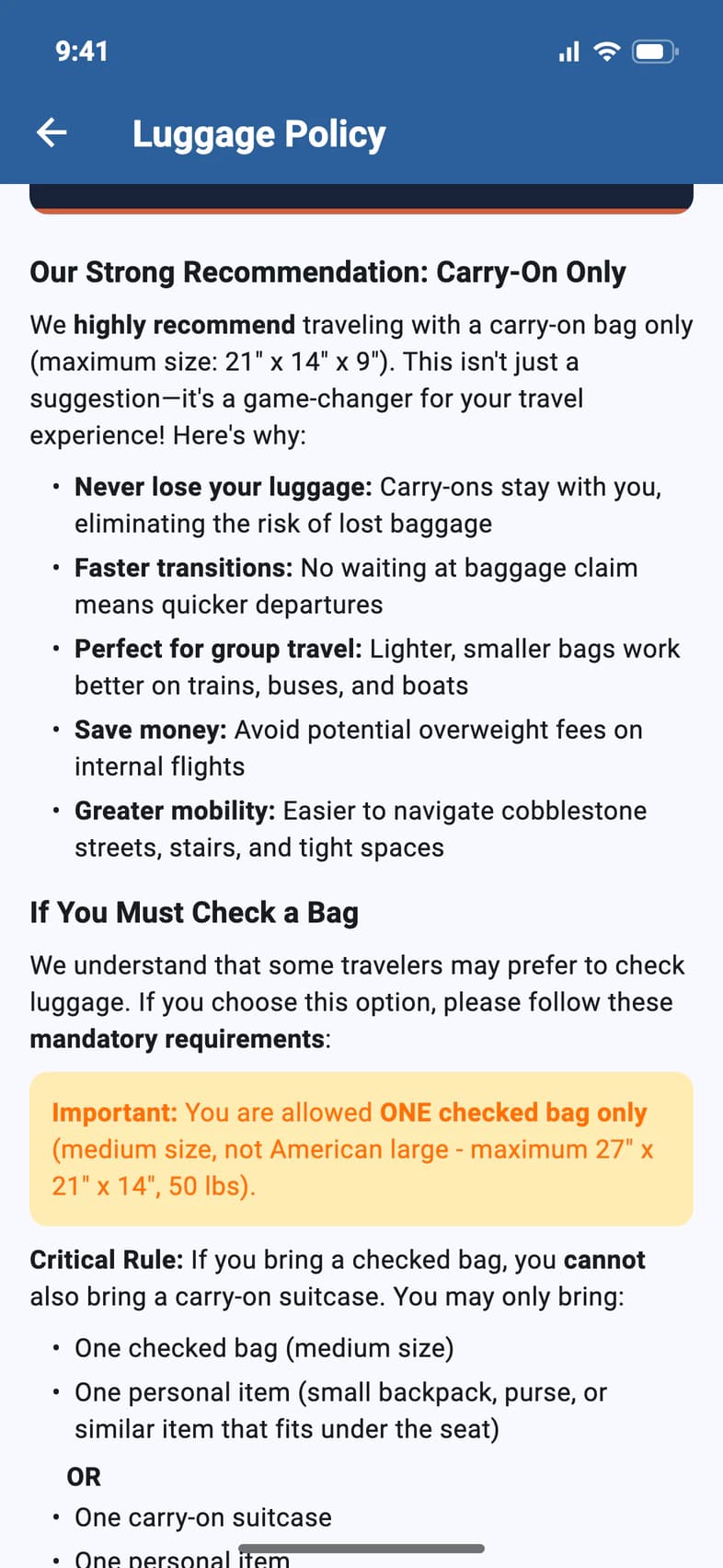
Passports strongly recommends a carry-on only 1, no bigger than 21" x 14" x 9".
If you must check a bag 2, you can check one medium bag, and then you can't also bring a carry-on suitcase: just one personal item. The page has the sizes, the weight limit and packing tips.
- Step 3
Confirm
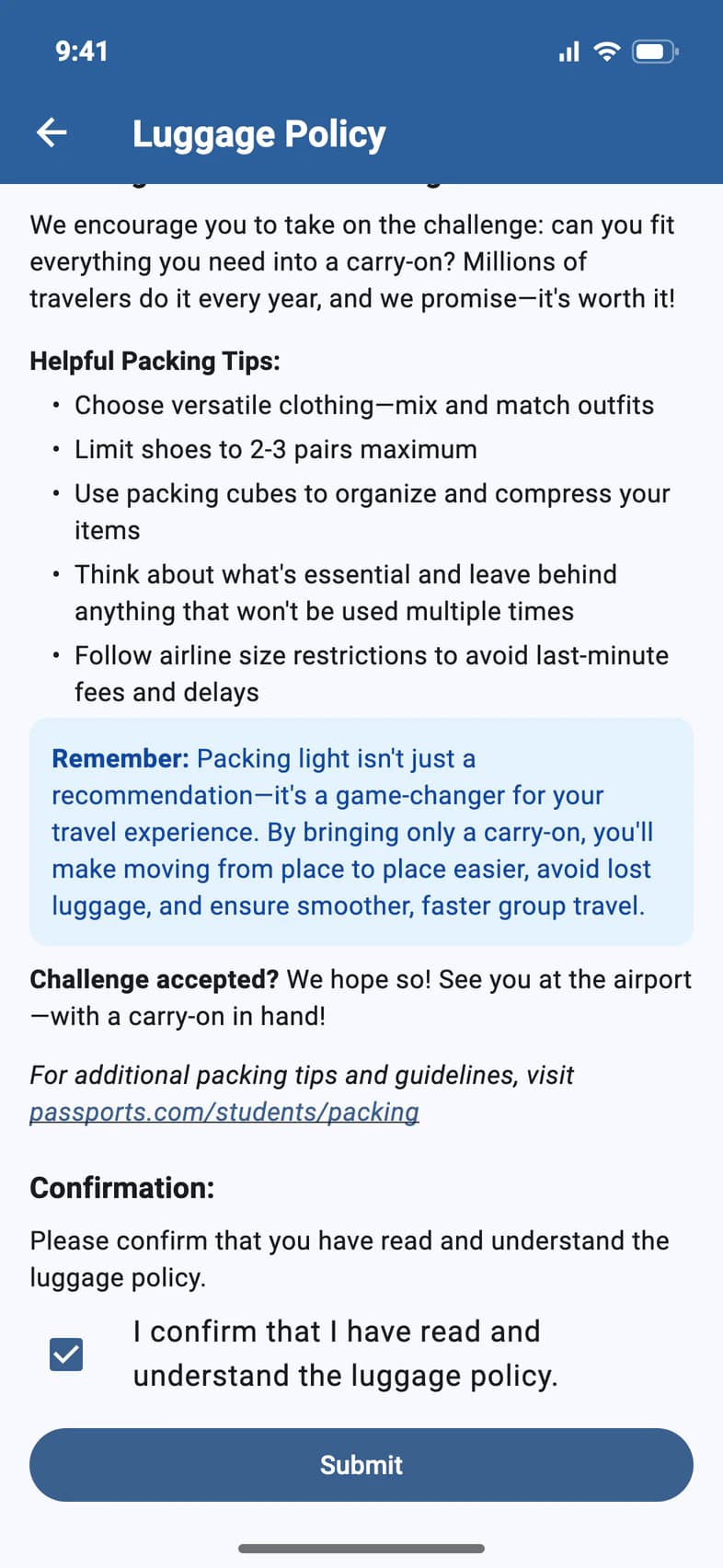
At the bottom, tick I confirm that I have read and understand the luggage policy and tap Submit 1.
- Step 4
Touring the UK? Get the ETA
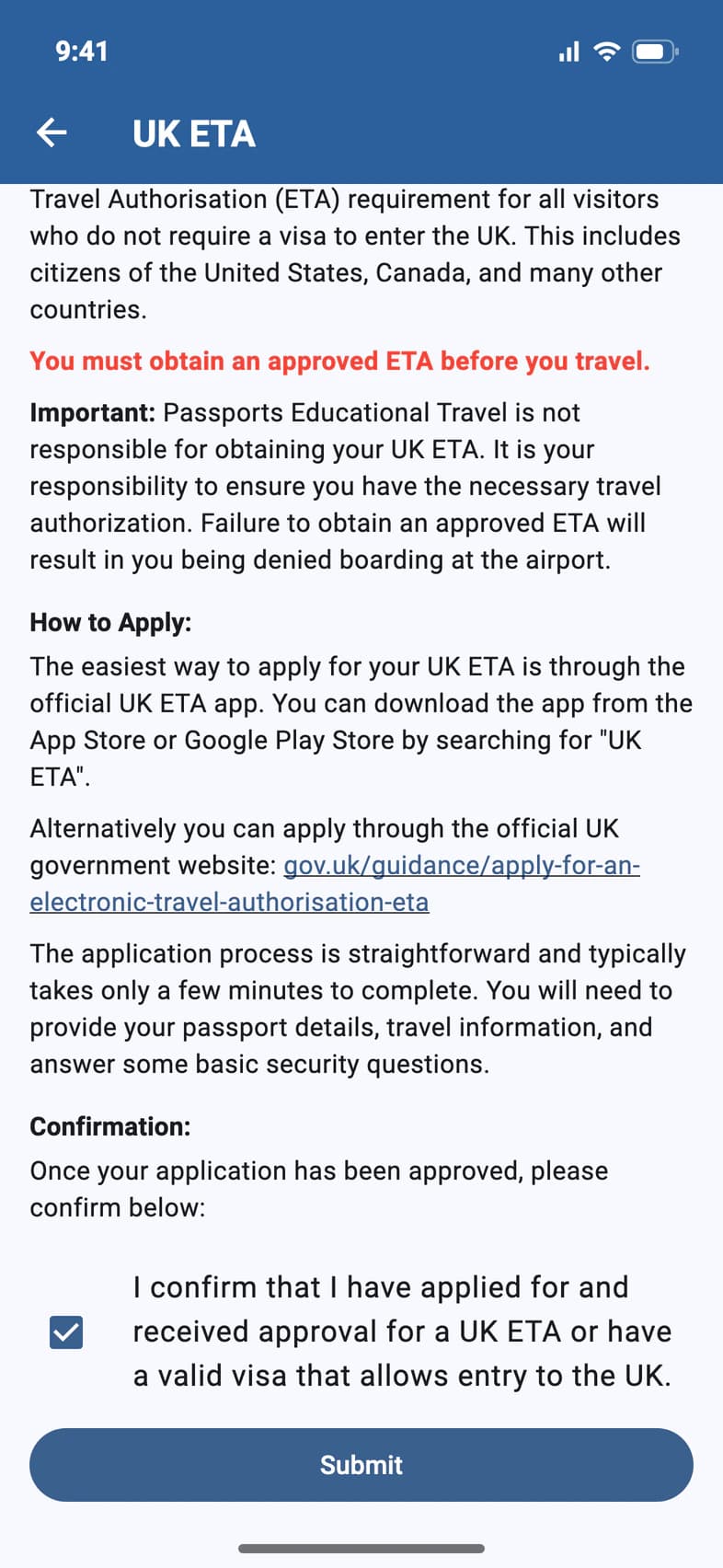
Your traveler needs an approved UK ETA before they fly. Apply for it yourself: in the official UK ETA app, or on gov.uk. Passports can't apply for you, and without an approved ETA the airline won't let your traveler board.
Once it's approved, open UK ETA, tick the confirmation box and tap Submit 1. Then email a copy of the approval to customerservice@passports.com.
Good to know
What about the EU's ETIAS?
It will work the same way: when a tour needs it, EU ETIAS appears under Forms & consent.
My traveler has a visa for the UK.
A valid visa that lets them into the UK counts: tick the box and submit.
Screens show a sample family and tour — your names, dates and amounts will differ. Checked against the app September 26, 2026.
Call us. A real person in Worcester picks up.
Monday to Friday, 8am to 4pm Eastern — and around the clock once your group is on tour. Or email passportsgo@passports.com.