
Teacher Tuesday: How to Customize Your Passports Prezitation


So you’ve contacted your passports Admissions Coordinator and requested a Prezi of your passports tour. Maybe you want to add something to it after (i.e. price, deadline, trip dates, etc.). Or, maybe you want to download it to your desktop for offline use.
Interested? It’s easy to do.
First, e-mail meaghan@passports.com.
Request to set your Prezi as reusable.
Then, click the link for your Prezi.
Click the “Make a copy” button beneath the Prezi slider.
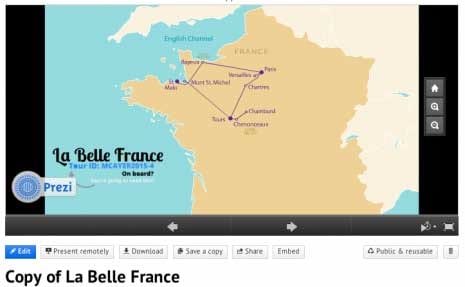
At this point, you will need to have a Prezi account to continue. (Don’t worry, it’s free!)
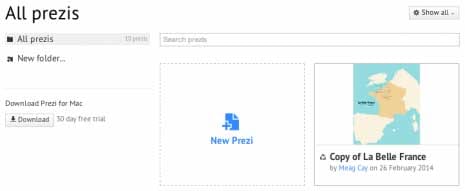
A copy of your passports Prezitation will appear in your personal list of Prezis.
Click the title link of the Prezi copy.
To edit the Prezi, click the Edit button beneath the Prezi slider.
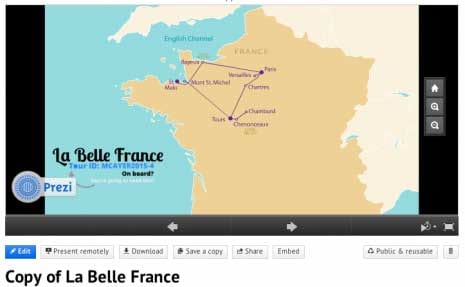
Now you can add anything you want! To learn about more ways to use your passportsPrezitation, click here. Request one from your Admissions Coordinator today!